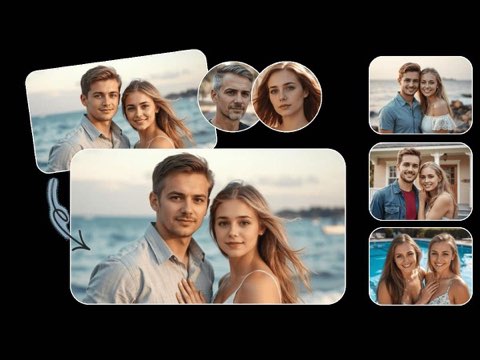
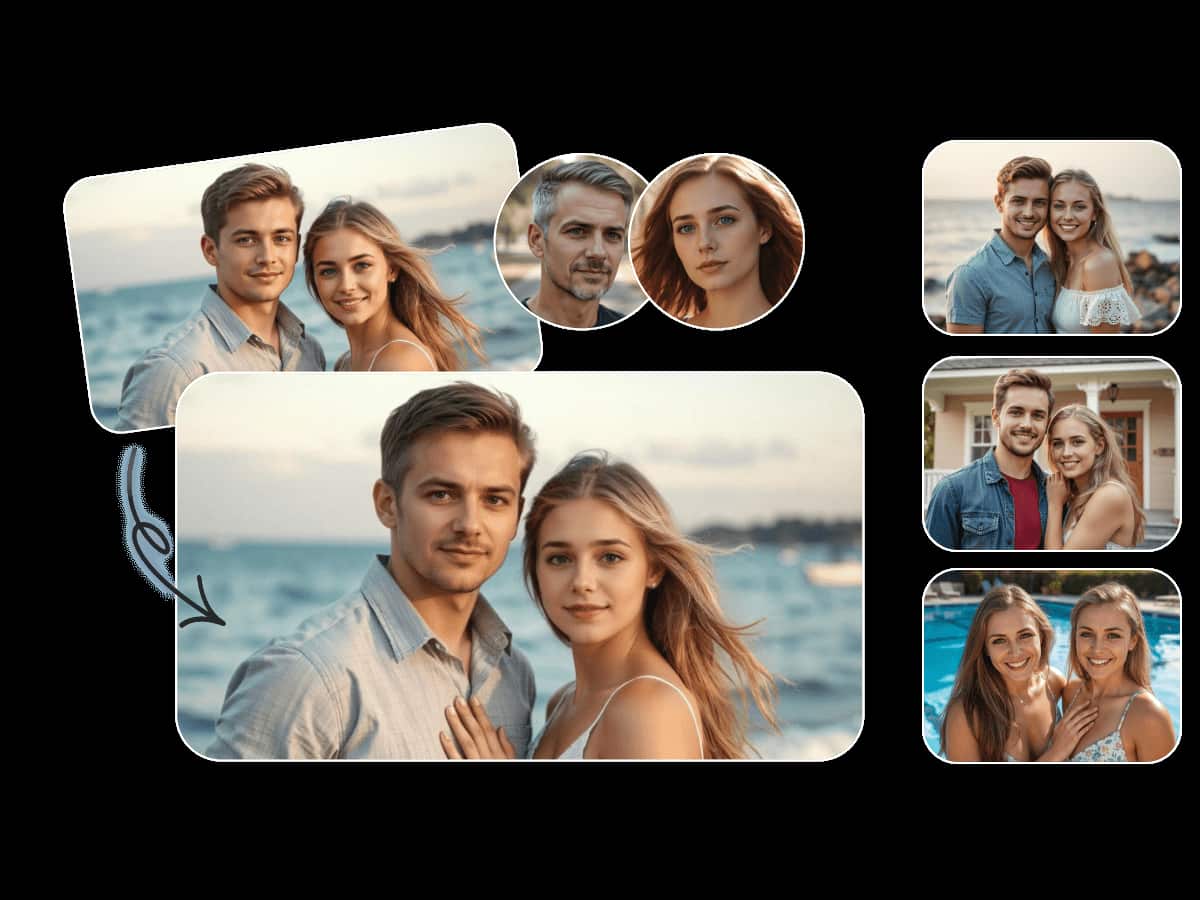
AI Video Face Swap
Track faces across moving footage and create consistent replacements through the selected video.
Explore AI Video Face SwapFace, video and voice creation in one workspace
Create face swaps for photos, videos and GIFs, then move from visual editing into voice cloning without leaving the VoidMagic toolkit.
Explore voice creation toolsStart with the media you already have. Each workflow is focused, browser-based and connected to the wider VoidMagic toolkit.
Track faces across moving footage and create consistent replacements through the selected video.
Explore AI Video Face Swap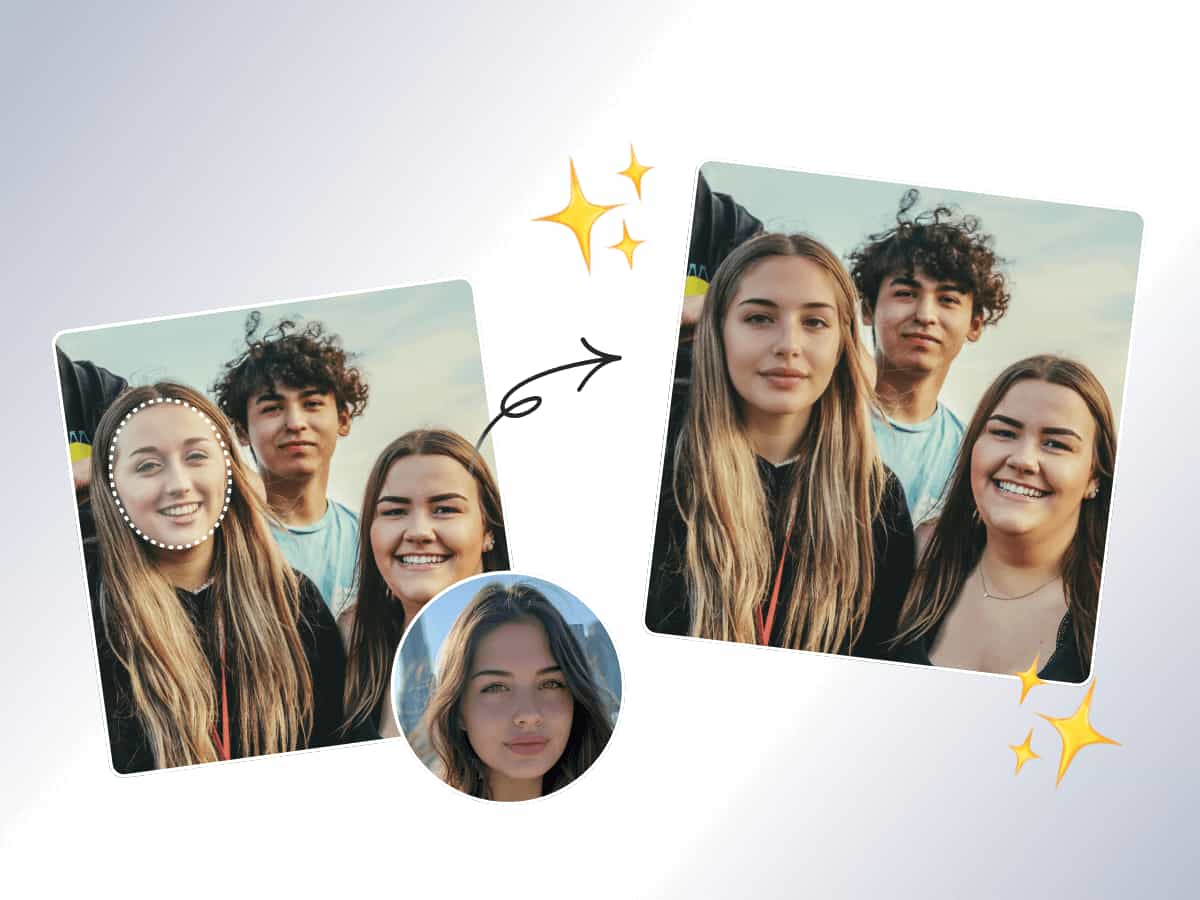
Replace one or multiple faces in photos while preserving the original lighting and composition.
Explore AI Image Face Swap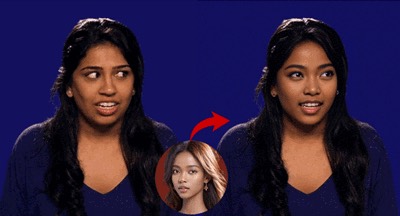
Turn reaction GIFs, short loops and animated scenes into personalized face swaps.
Explore AI GIF Face Swap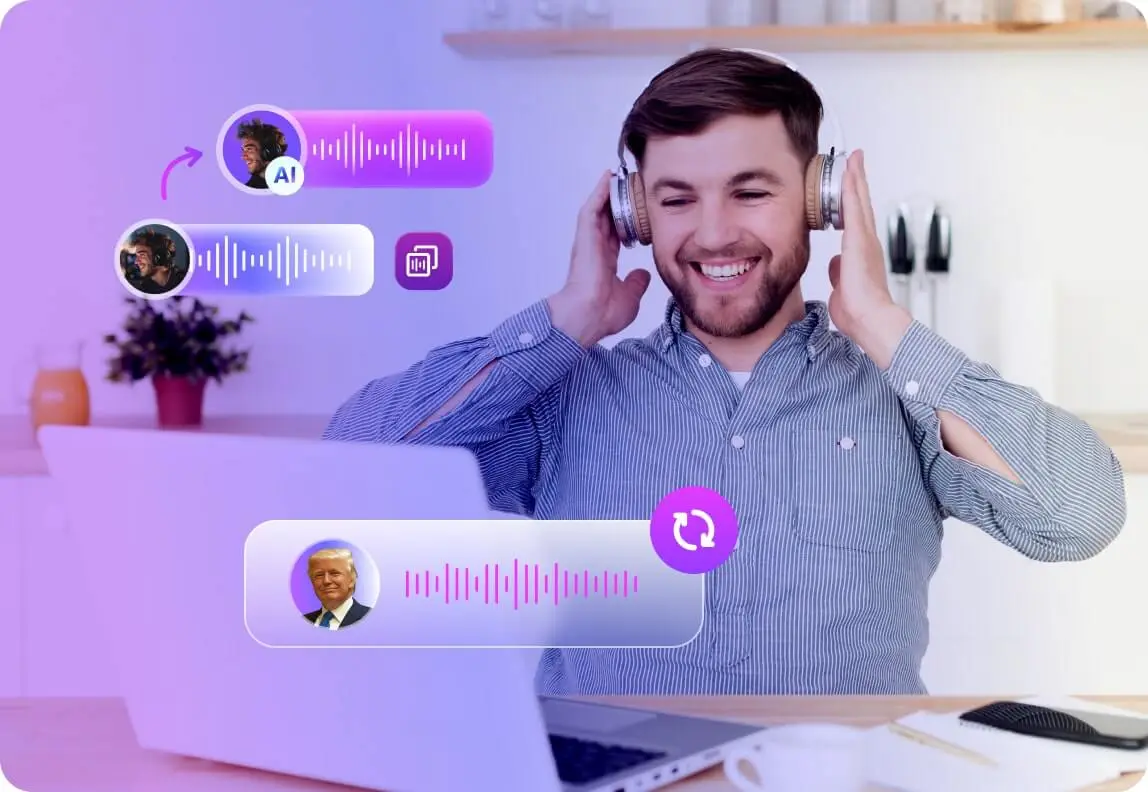
Create a reusable voice from a sample for narration, characters and creative audio projects.
Explore AI Voice ClonerFeatured workflow
Upload a video, choose the people you want to replace and let the workflow follow each selected face from frame to frame.
VoidMagic keeps each tool focused while giving visual and audio creators a consistent place to work.
Use a dedicated workflow for photos, moving footage, GIFs or voice instead of forcing every task into one editor.
Uploaded face-swap media and generated results are automatically deleted after two hours.
Face detection, motion tracking and optional enhancement help preserve recognizable expressions and detail.
Voice creation
Build a reusable voice from your own sample or explore a library designed for character and celebrity-style voice generation.
A quick guide to choosing a workflow across face, video and voice creation.
Choose Image Face Swap for still photos, Video Face Swap for moving footage and GIF Face Swap for short animated loops. Each tool opens a workflow designed for that media type.
Yes. The image, video and GIF workflows can detect multiple people and let you choose which faces to replace.
Yes. AI Voice Cloner and the Celebrity Voice Generator remain part of the product suite and are linked directly from this page.
Uploaded face-swap media and generated results are automatically deleted after two hours, so completed files should be downloaded promptly.
Open the video face swap workflow, upload your media and choose the faces you want to replace.